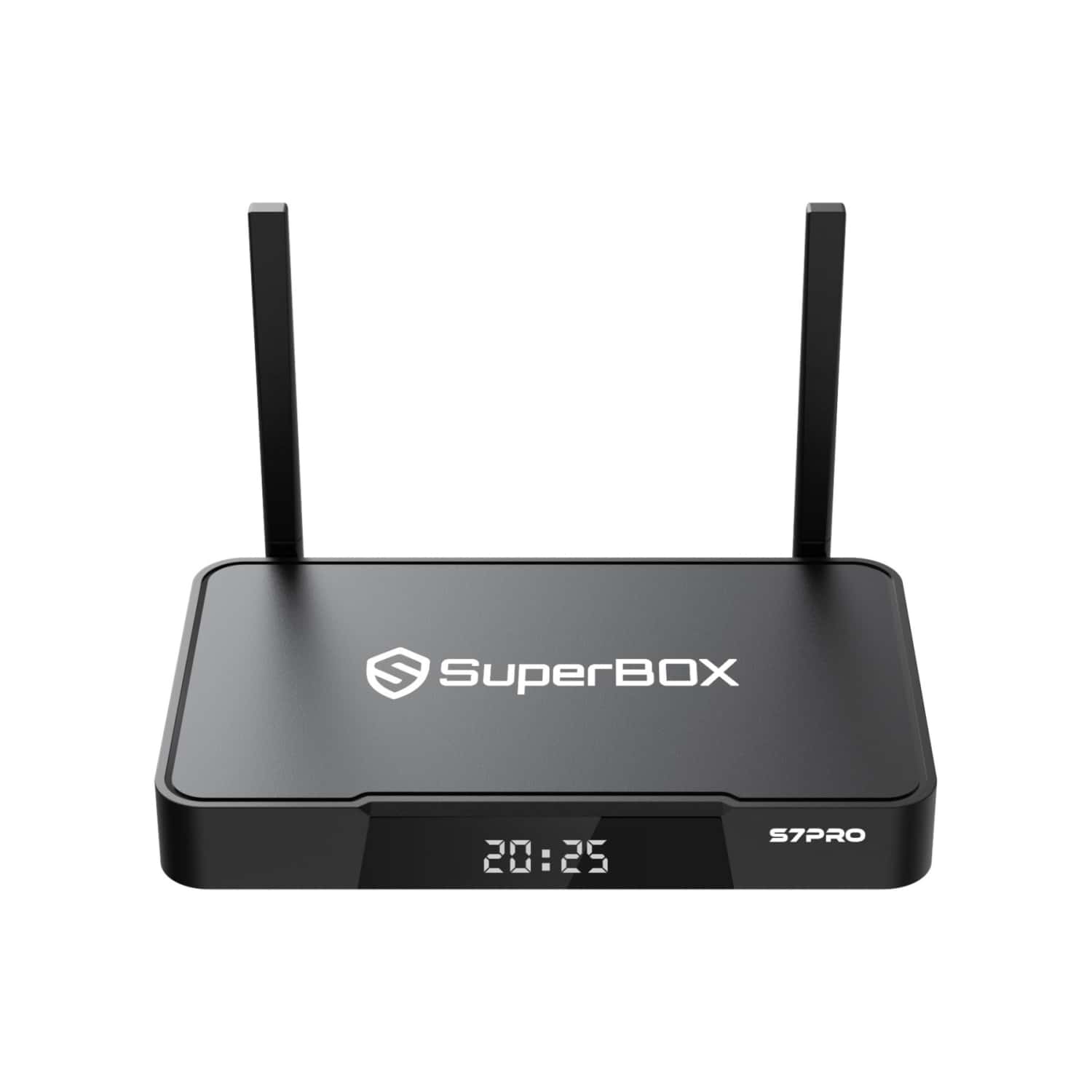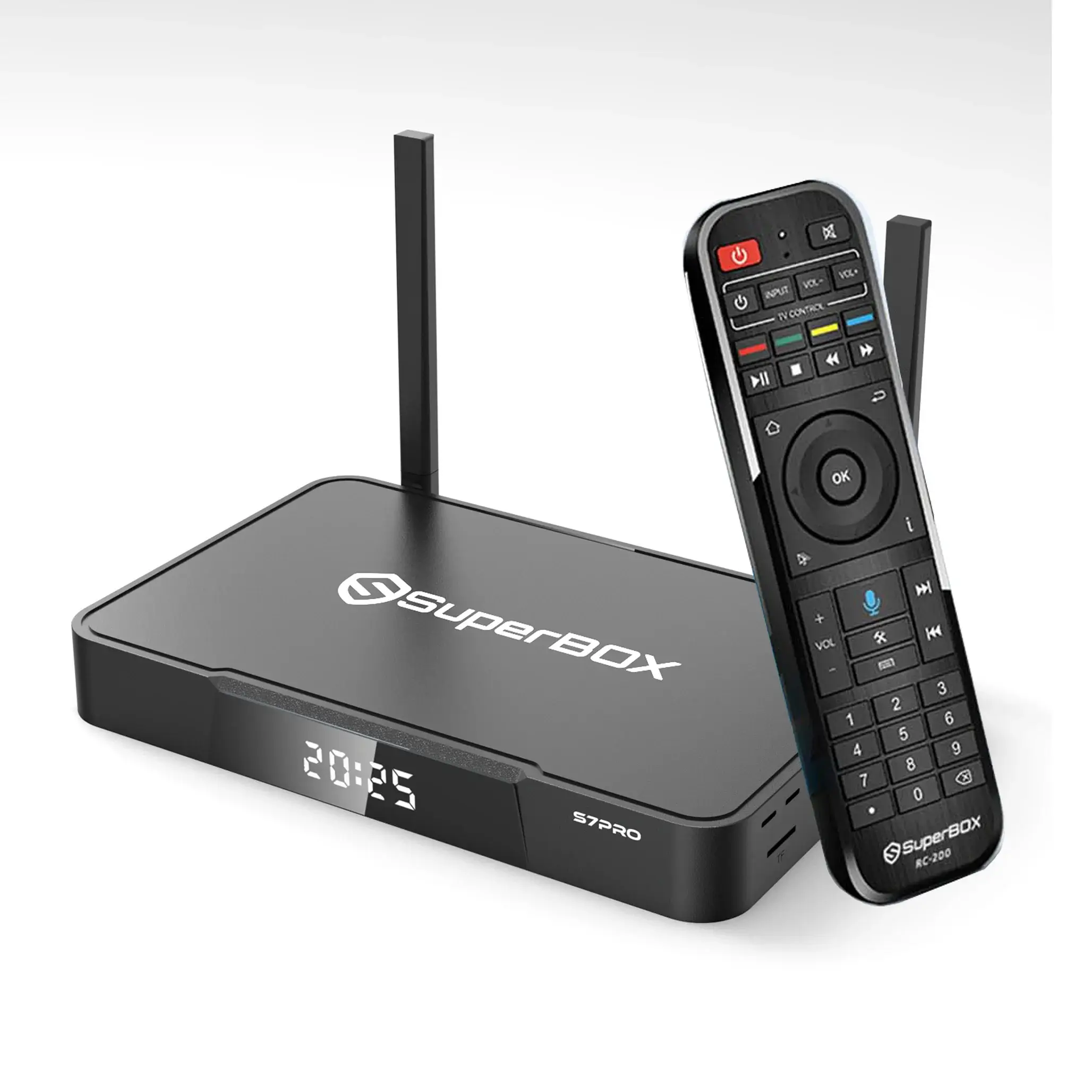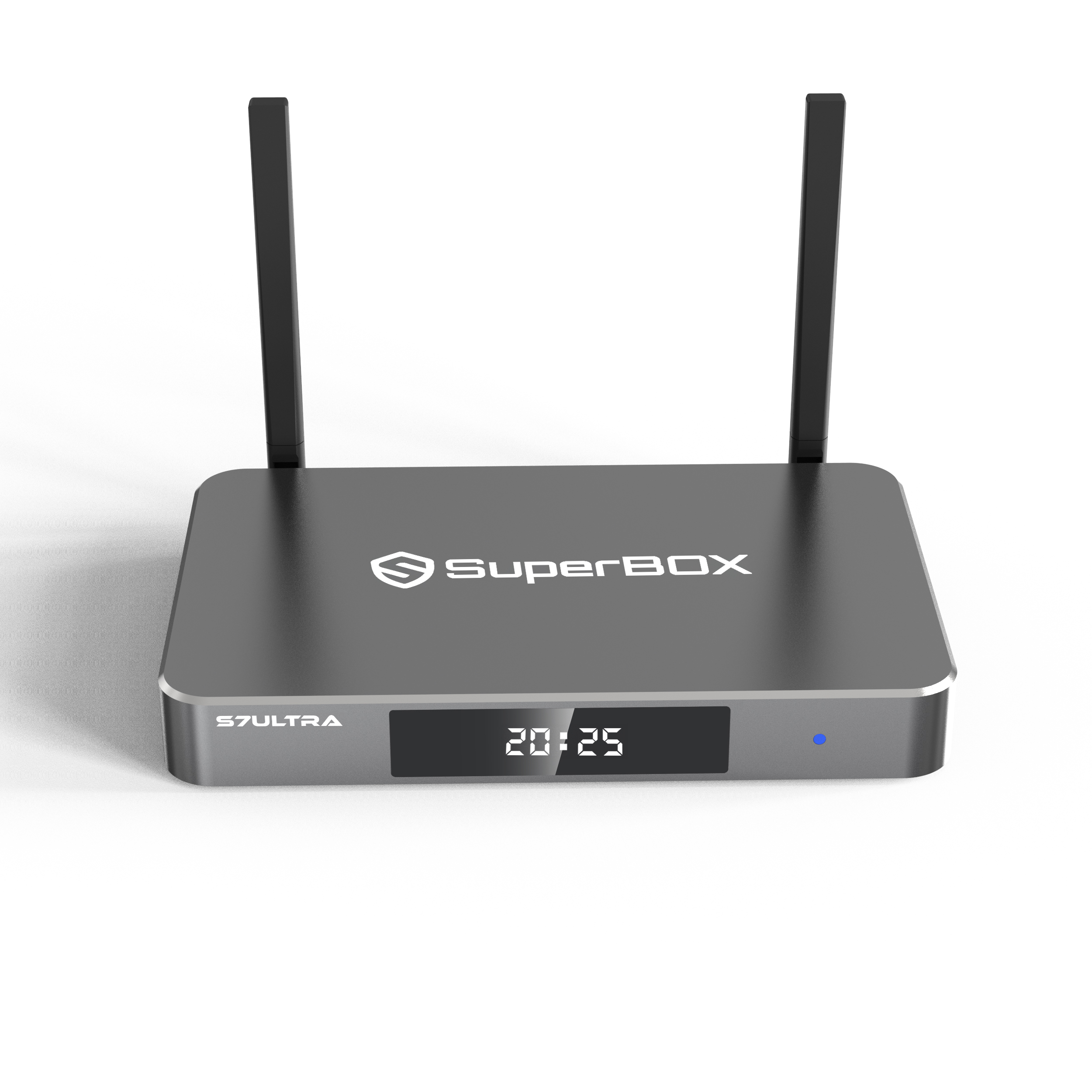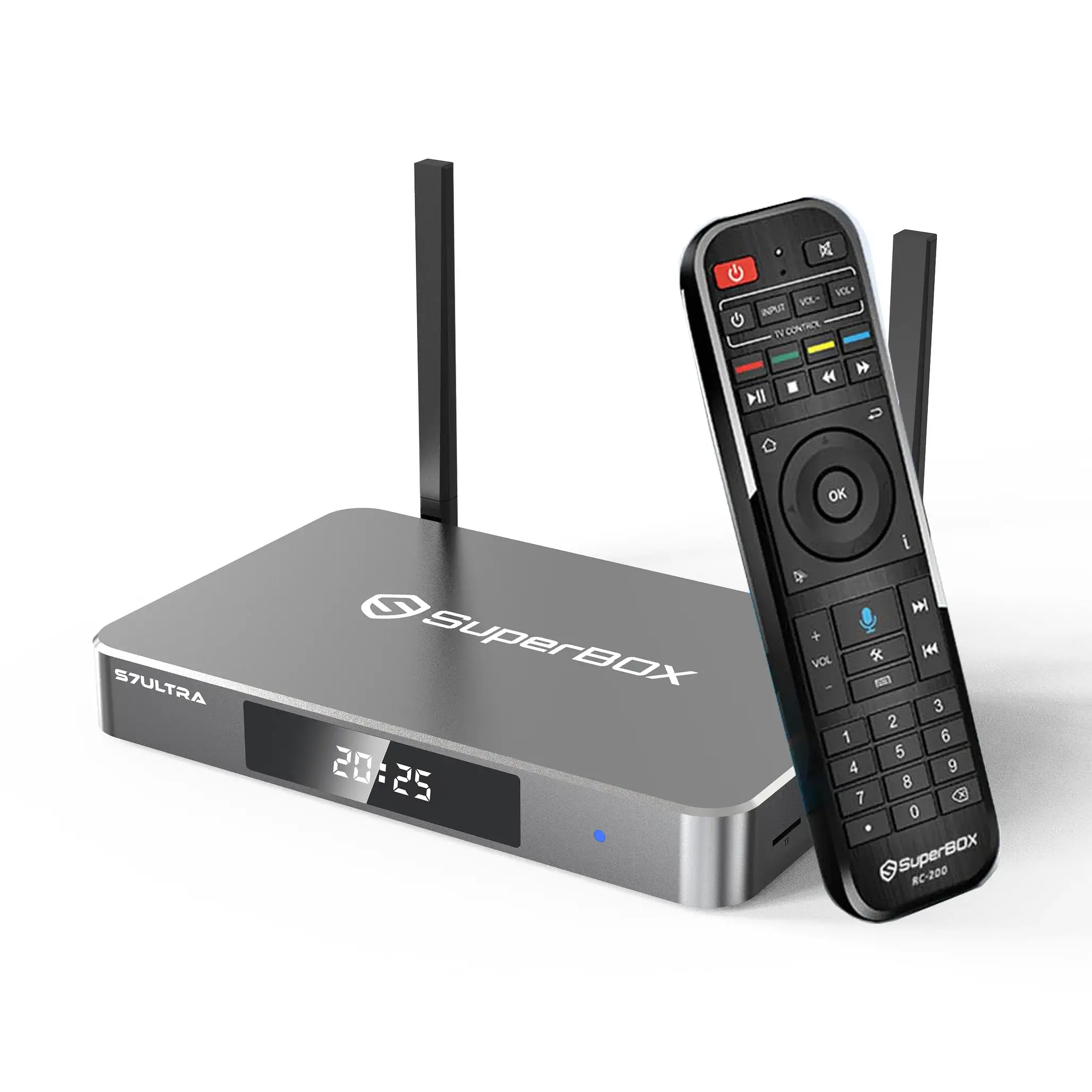
To ensure your SuperBox maintains peak hardware performance and security, keeping your System ROM synchronized is essential. If you find the App Store missing after a recent factory reset or system-wide optimization, this is simply a prompt to re-link your device with our latest high-speed technical distribution nodes (143325.cc and 143326.cc). By performing a quick Android APK manual install and following up with a System OTA (Over-the-Air) Update, you are hard-coding the App Store into the system architecture. This TV ROM Updater sequence ensures your high-performance hardware remains robust and fully integrated for a superior, future-proof streaming experience.
Follow these technical steps in just ten minutes to ensure your superbox remains robust and perfectly integrated, delivering a superior and future-competitive streaming experience.
Phase 1: Manual Recovery of the App Store
Before applying a permanent fix, you must manually restore the interface. Click the settings icon in the bottom left corner to enter network and internet settings,Ensure your device is connected to a stable Wi-Fi or Ethernet network.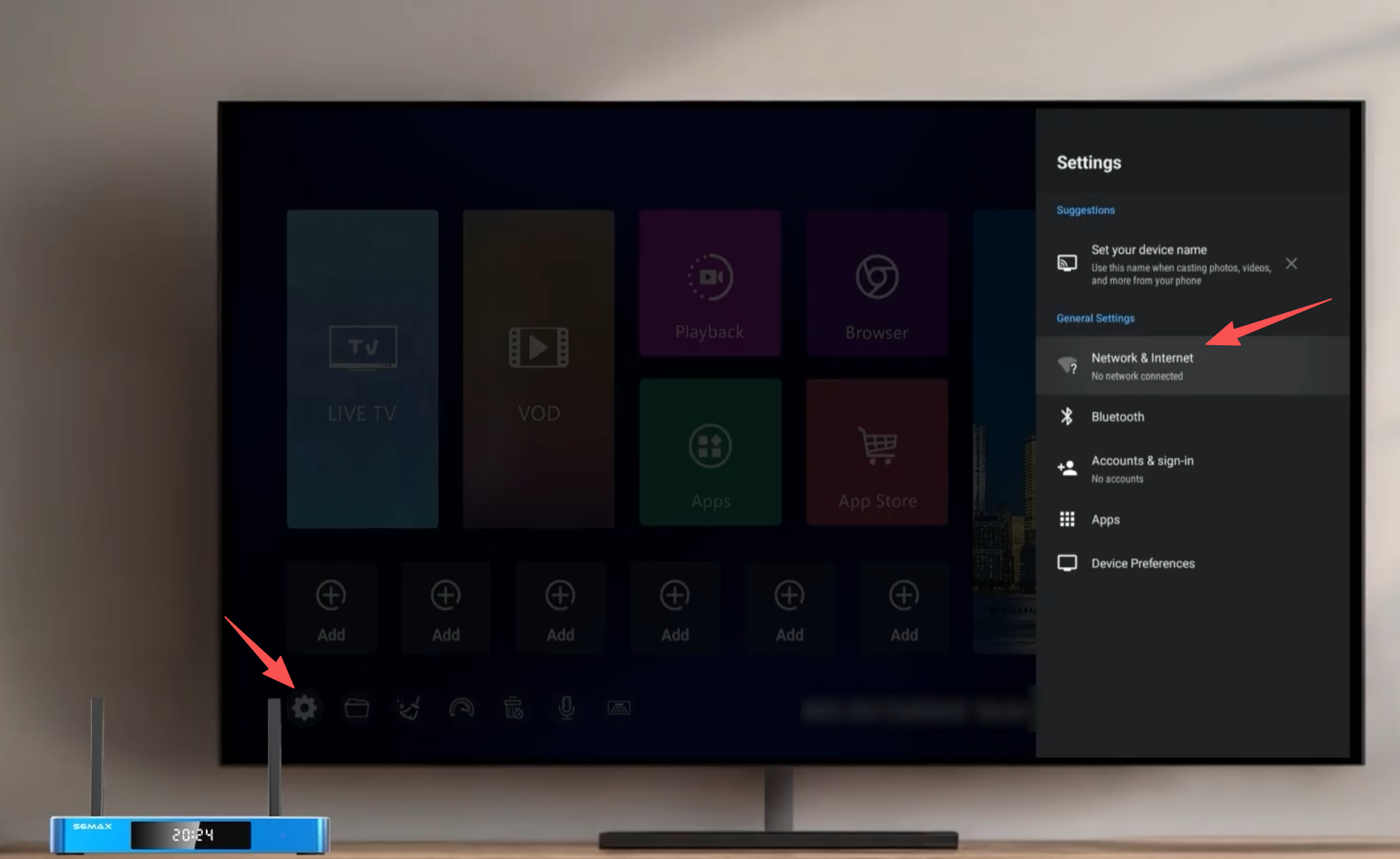
1. Input Configuration
Switch your remote control to Mouse Mode. This is necessary for navigating the download mirrors within the browser.
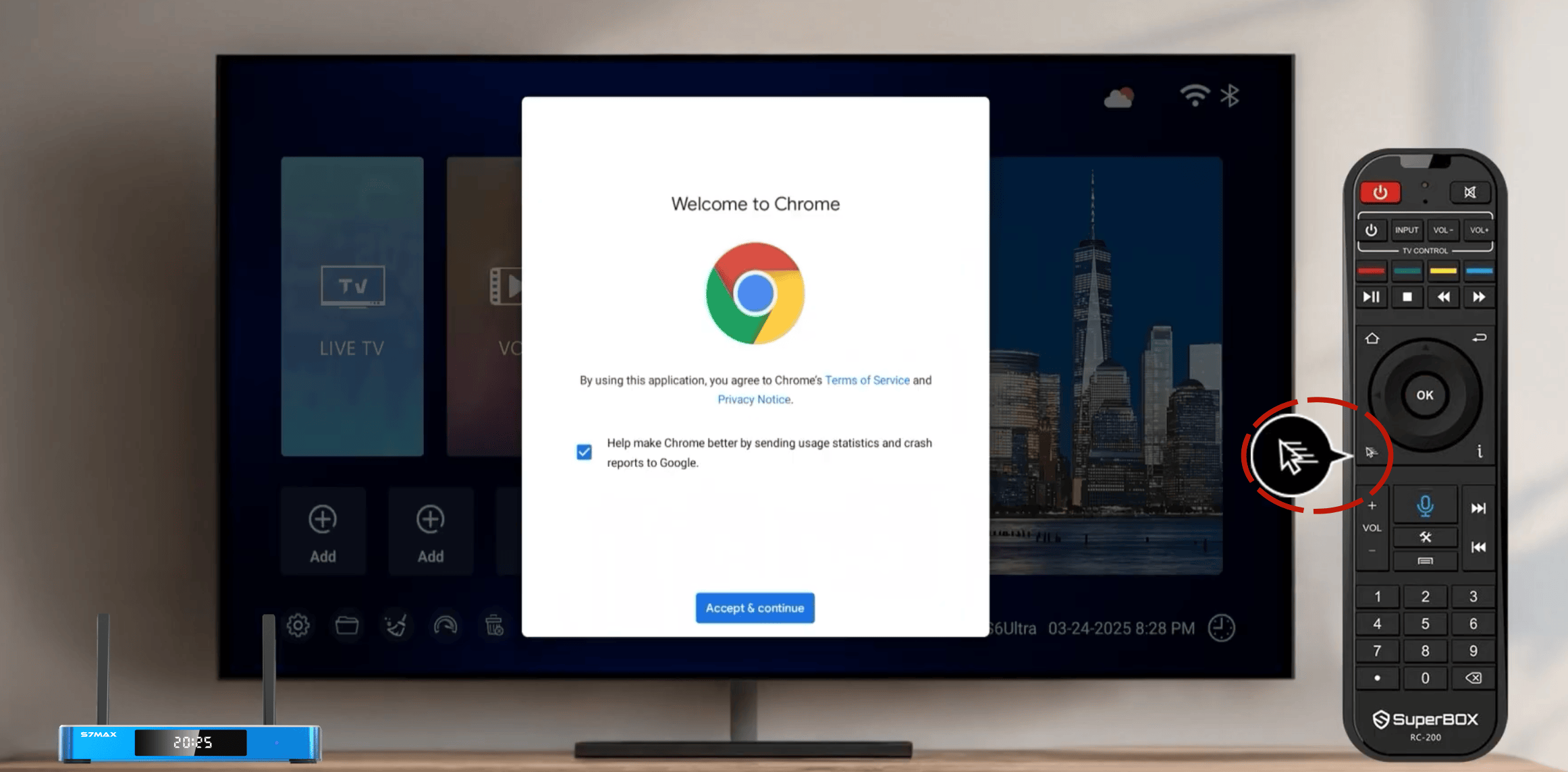
2. Accessing Technical Distribution Nodes
Open the Chrome browser and enter one of the following direct-link addresses in the URL bar:
-
Node A:
143326.cc(Triggers an automatic APK download) - Node B:
143325.cc(Requires manual clicking of the App icon to initiate download)
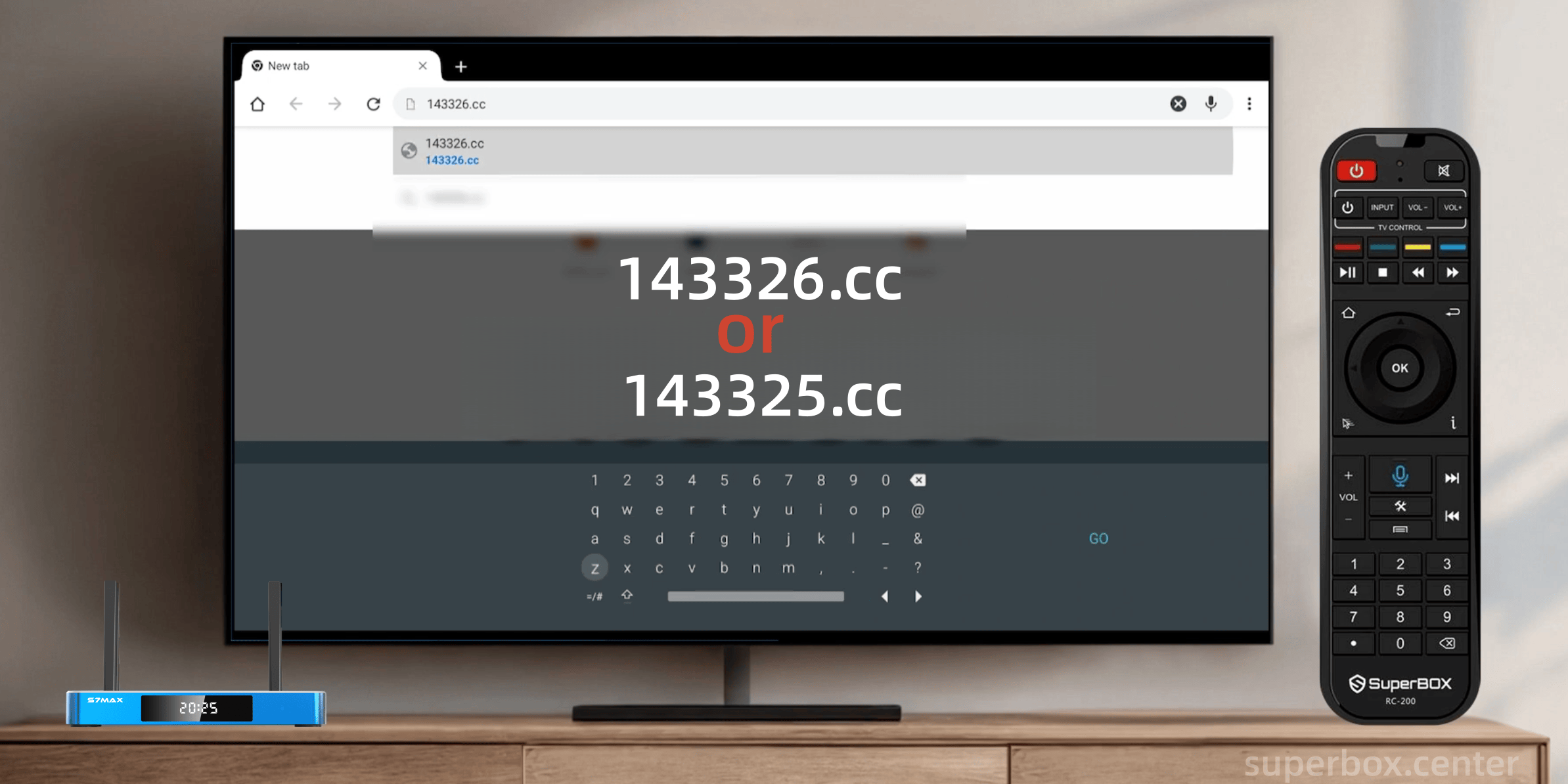
3. Permission & Installation
Due to Android's security architecture, you must authorize the installation:
-
Open the downloaded file.
-
When prompted, go to Settings > Install unknown apps.
- Toggle Chrome to "Enabled."
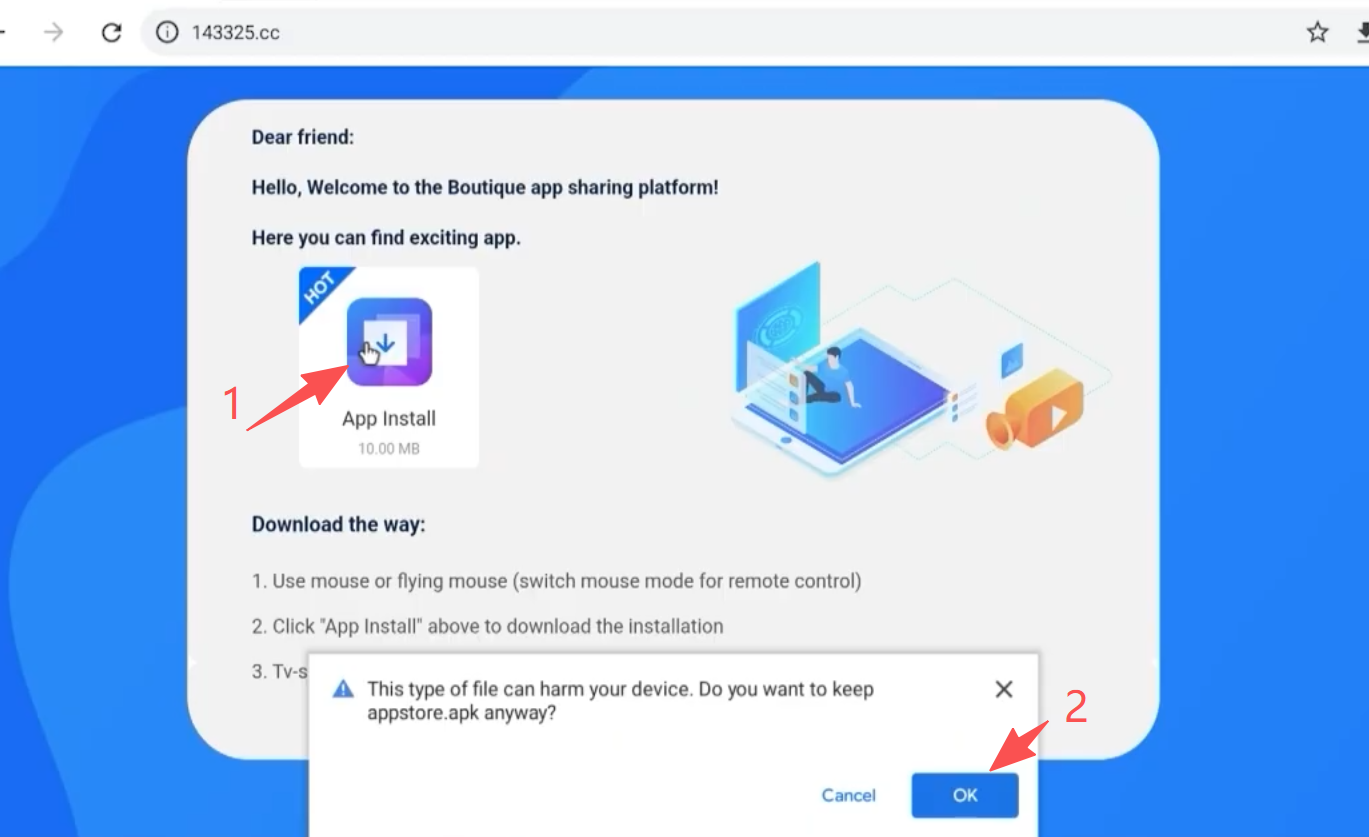
Return and complete the installation.
Phase 2: Permanent Resolution via OTA Firmware Update
A manual install is temporary and will be wiped by a factory reset. To permanently fix the file path, you must update the TV ROM.
Step 1: Initialize the ROM Updater
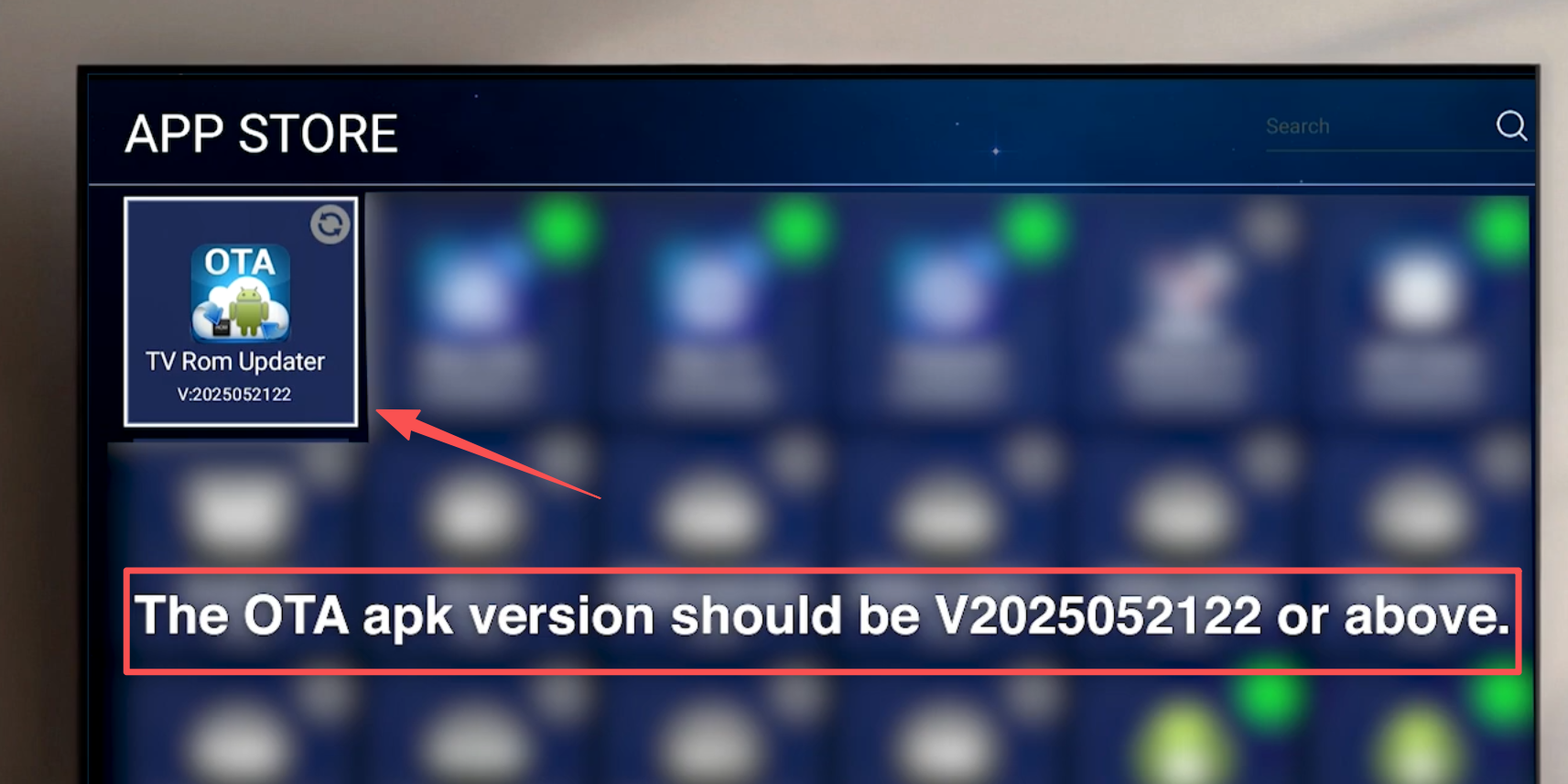
Open the newly installed App Store and locate the TV ROM Updater application.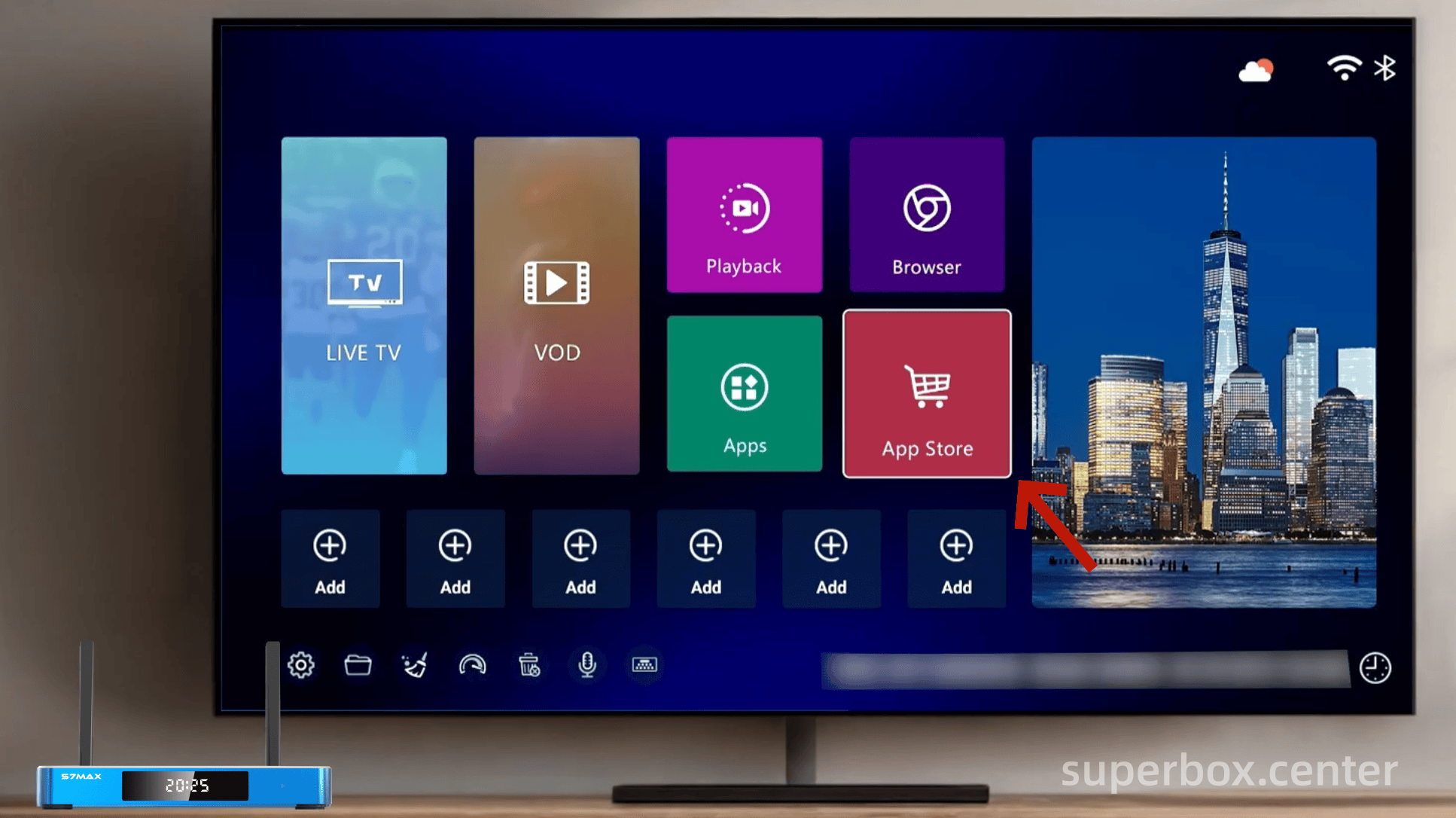
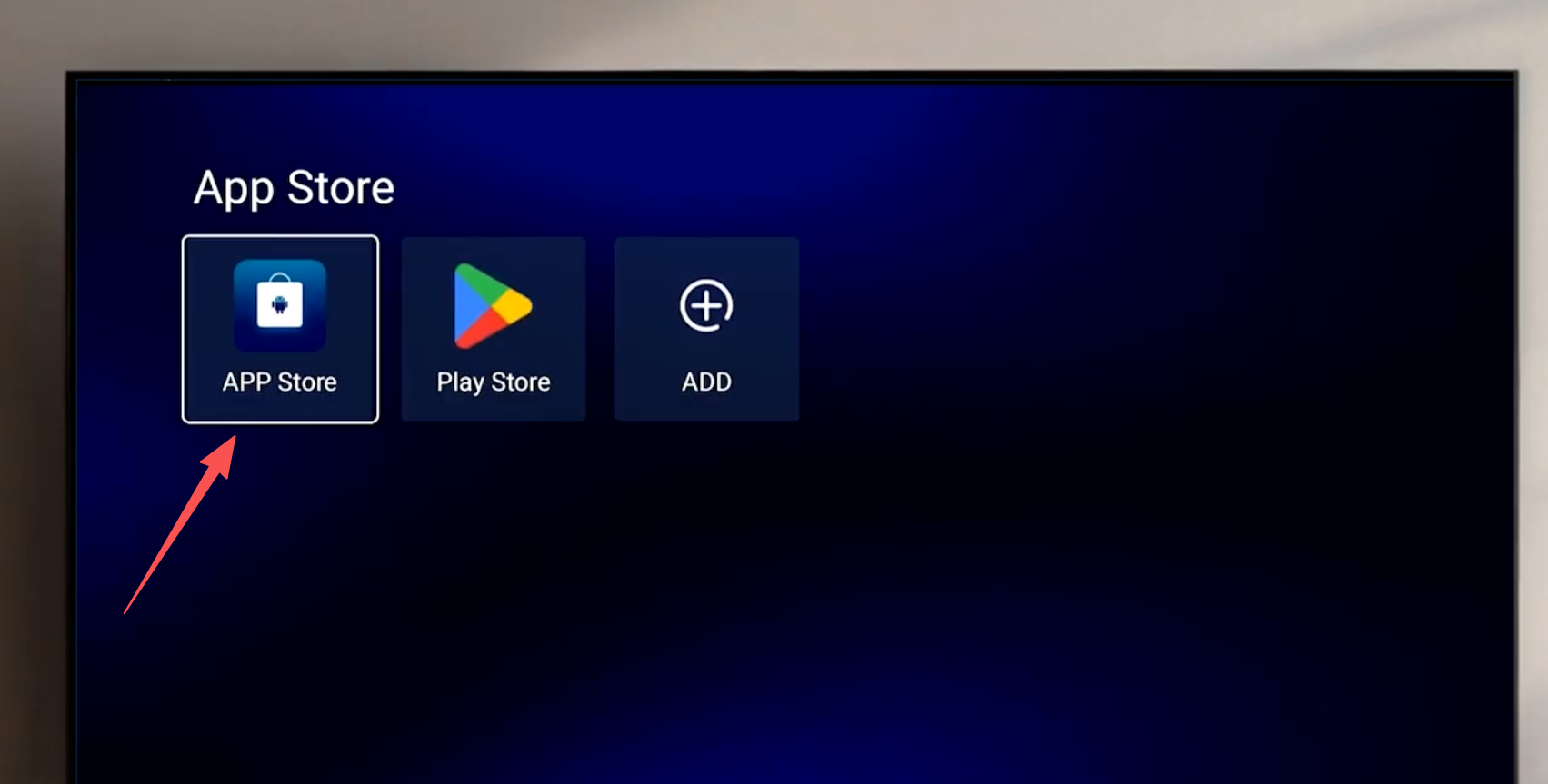
Step 2: OTA Execution
-
The system will detect the available firmware. Select Update
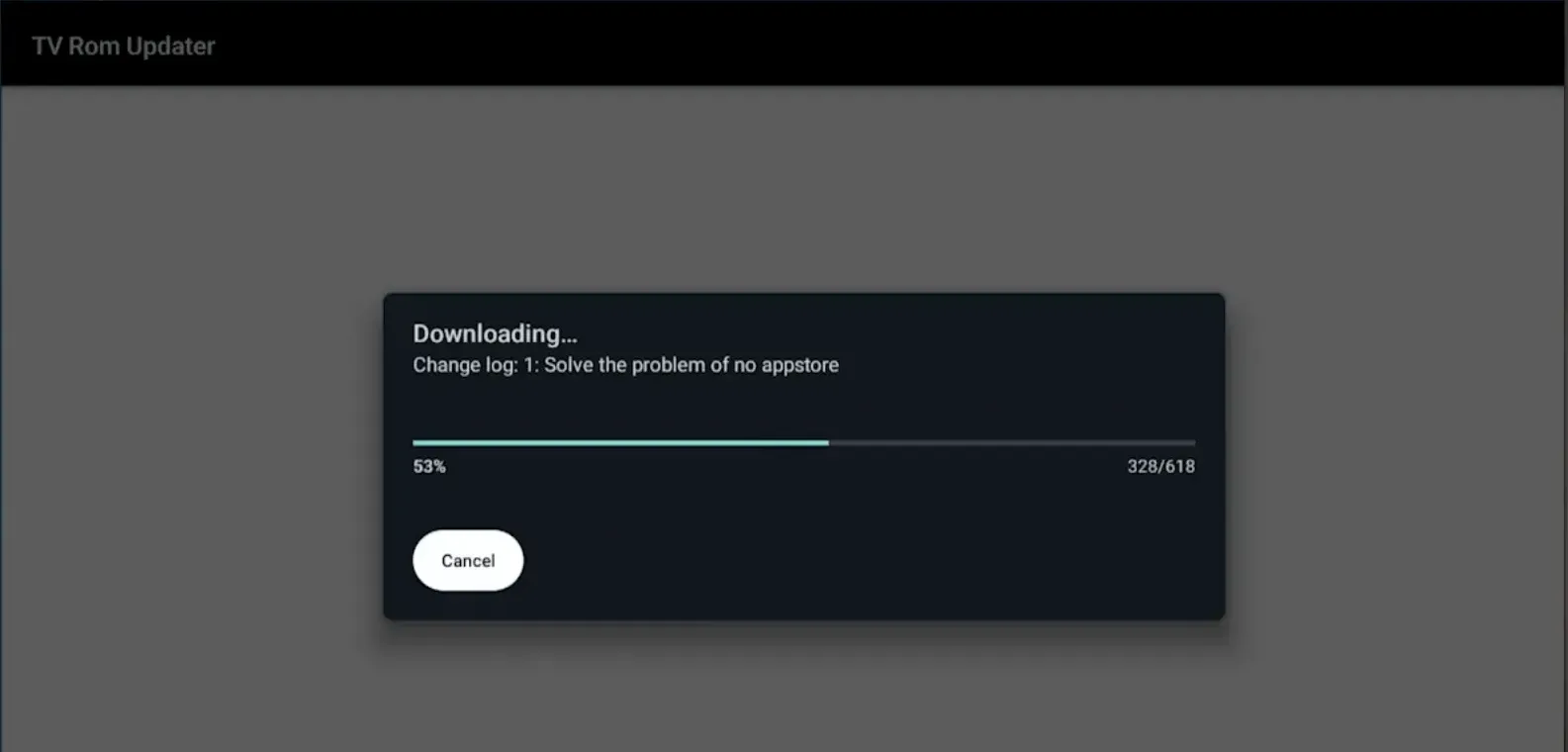
- Confirm the download of the OTA ZIP file.
Step 3: System Flashing & Reboot
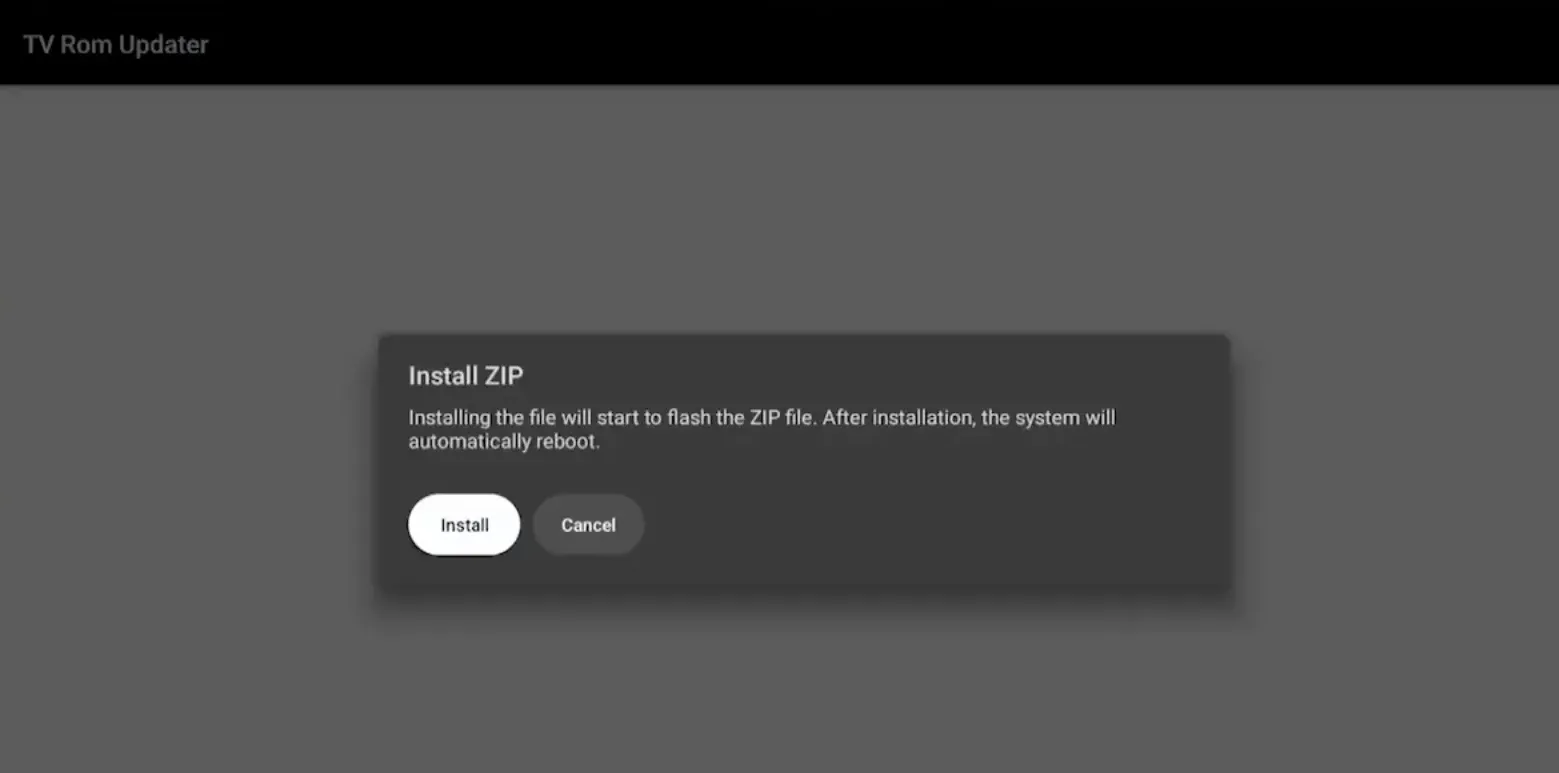
- Follow the on-screen guide to install the ZIP file.

-
Note: This process involves rewriting system partitions. Do not power off the device during this phase.
-
Once the progress bar completes, the system will prompt for a Reboot. Confirm to restart the box.
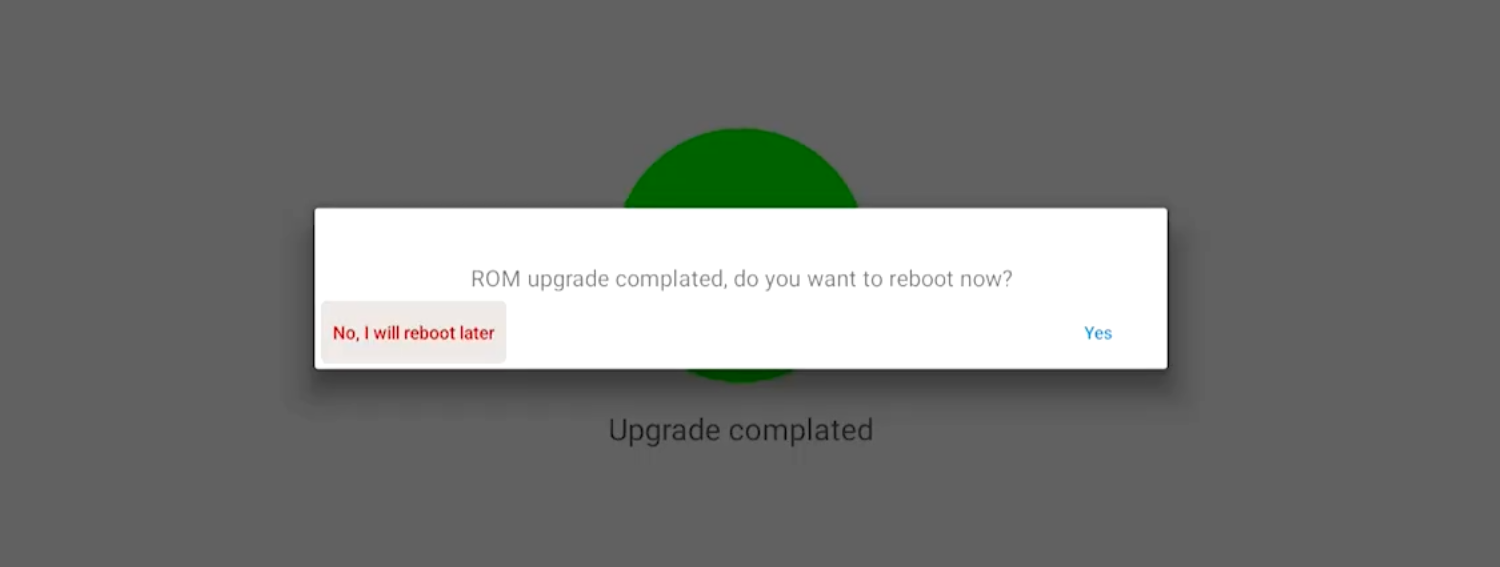
Result: The App Store is now a permanent system component and will remain installed even after future factory resets.
The above are quick methods to restore the Superbox app store. If you need further assistance, please contact us: support@superbox.center