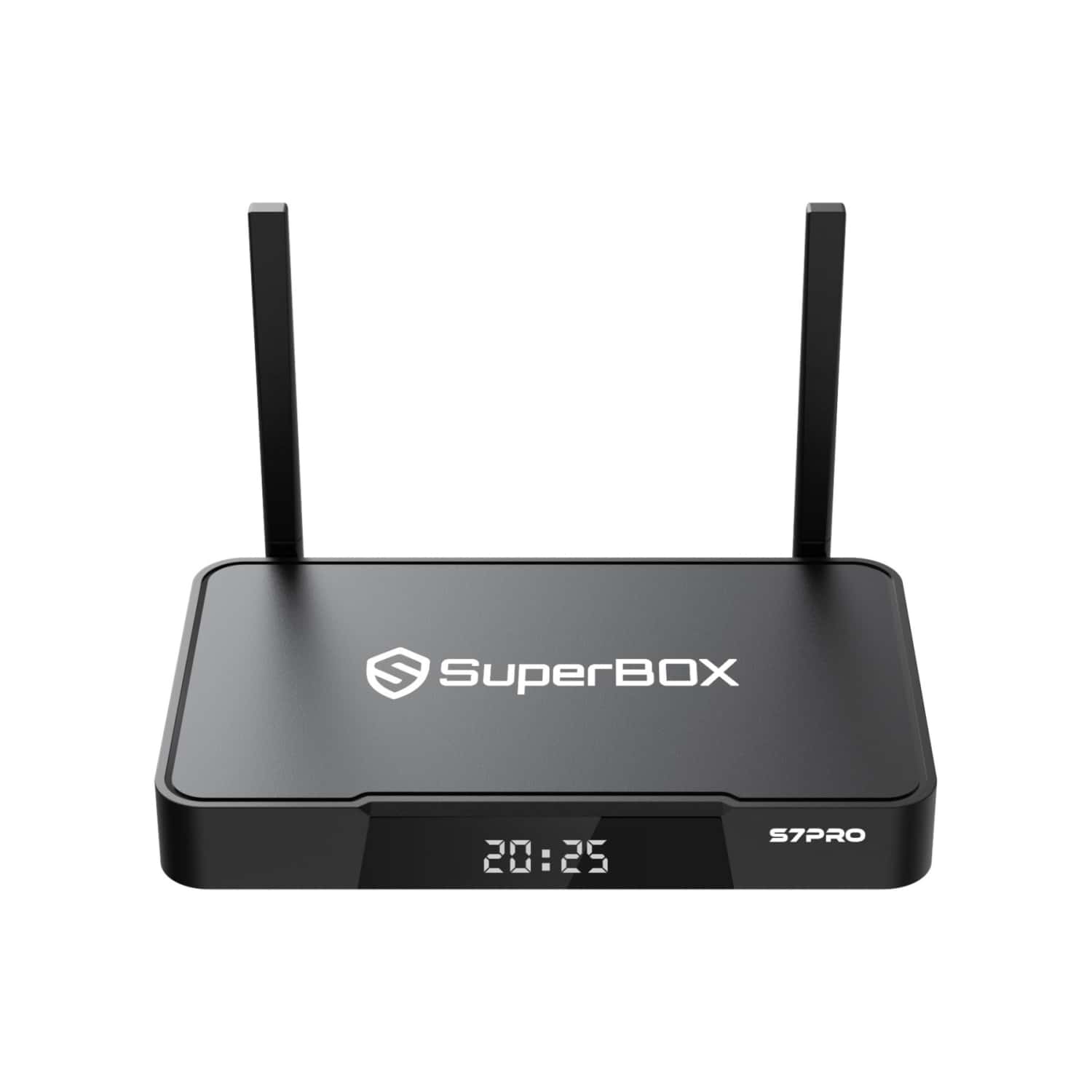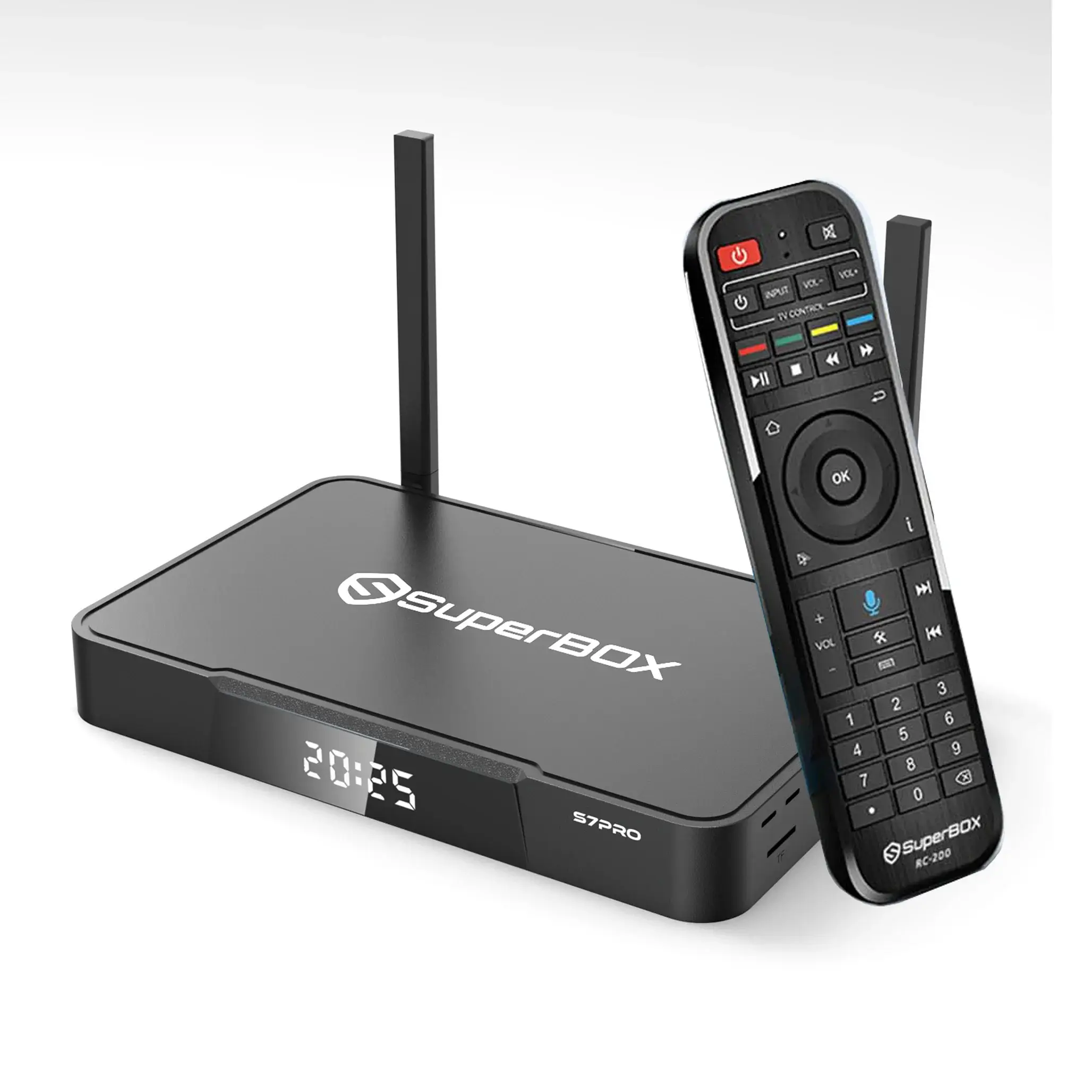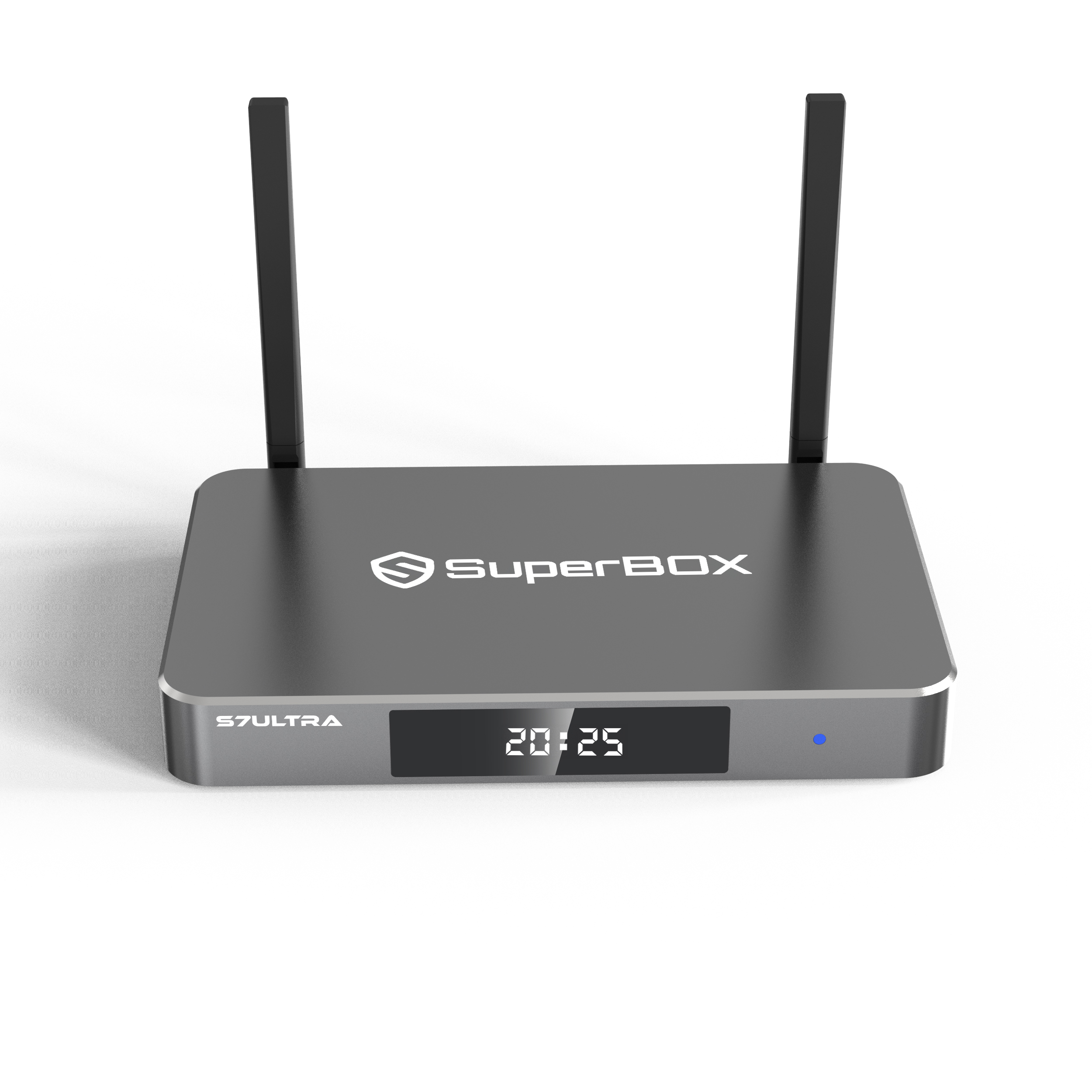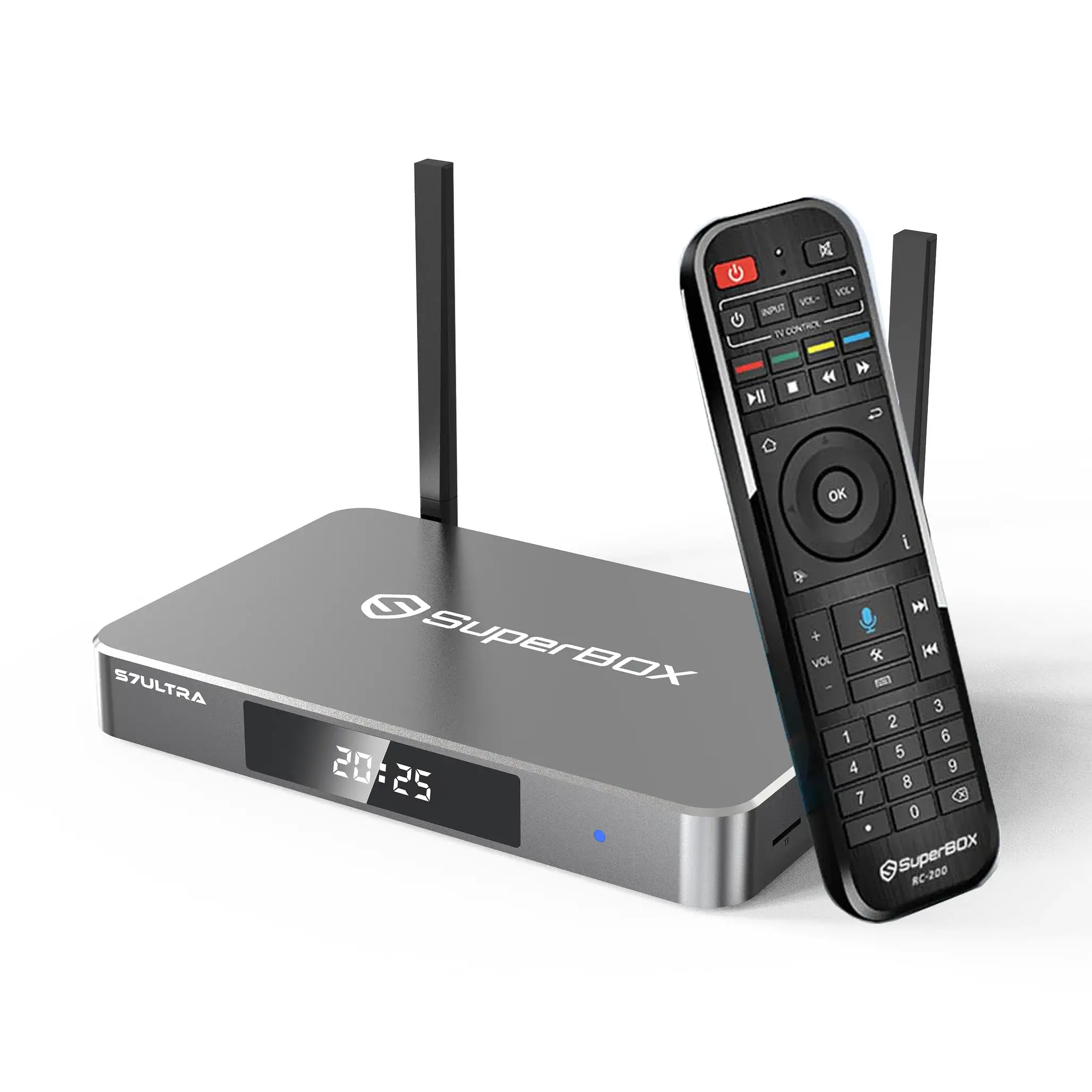
When your Superbox experiences buffering issues or is unable to download more apps after prolonged use, don't worry. You don't need professional skills; just follow these 3 simple steps to keep your Superbox running at peak performance.
🧹1. System Memory Optimization (Flash & RAM Clearing)
- From the primary interface, locate and select the Broom Icon at the bottom of the screen.👇
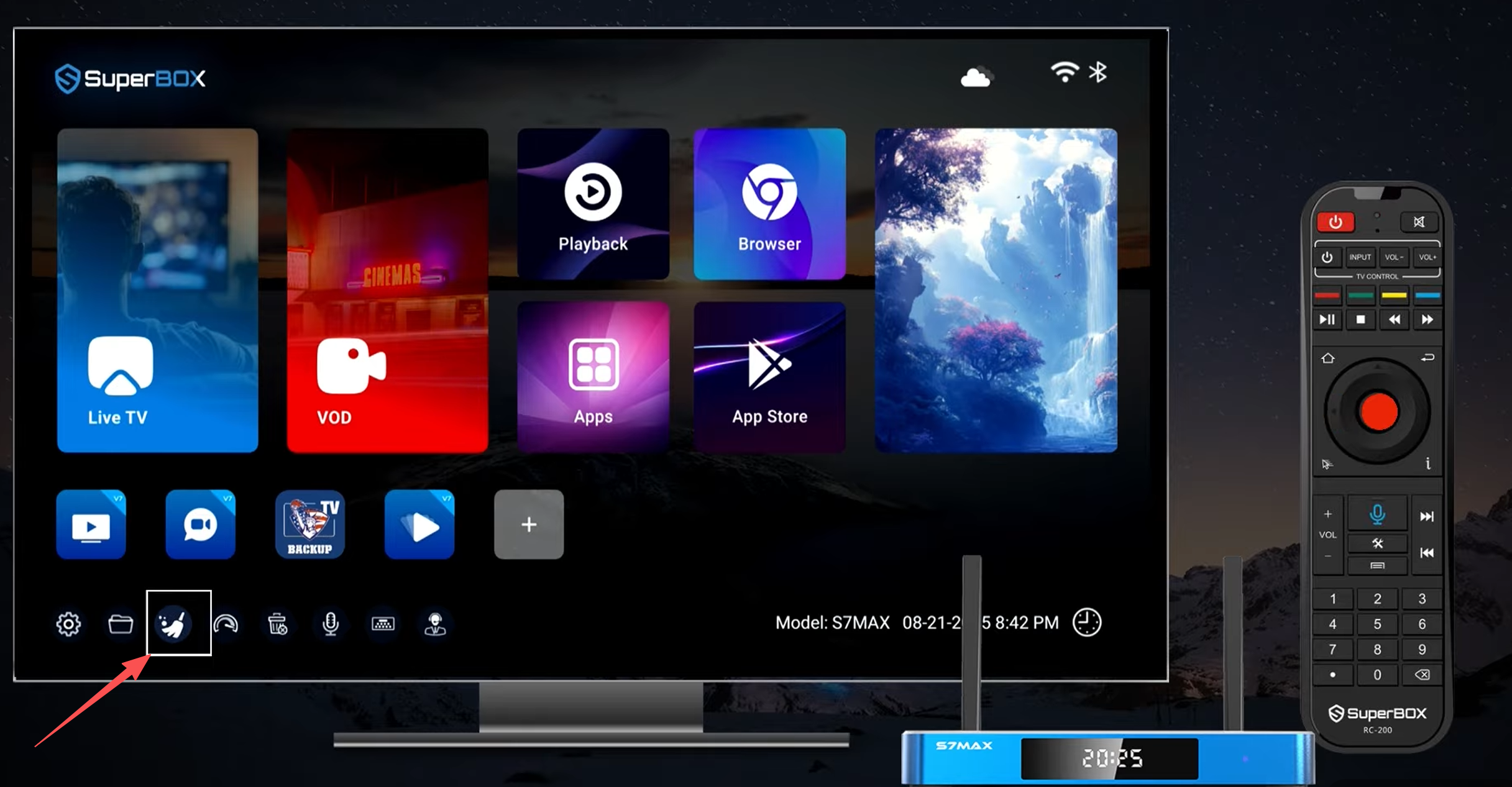
- Click it once,this action instantly terminates background processes and flushes the temporary cache, reallocating RAM to your active streaming applications for smoother playback.👇
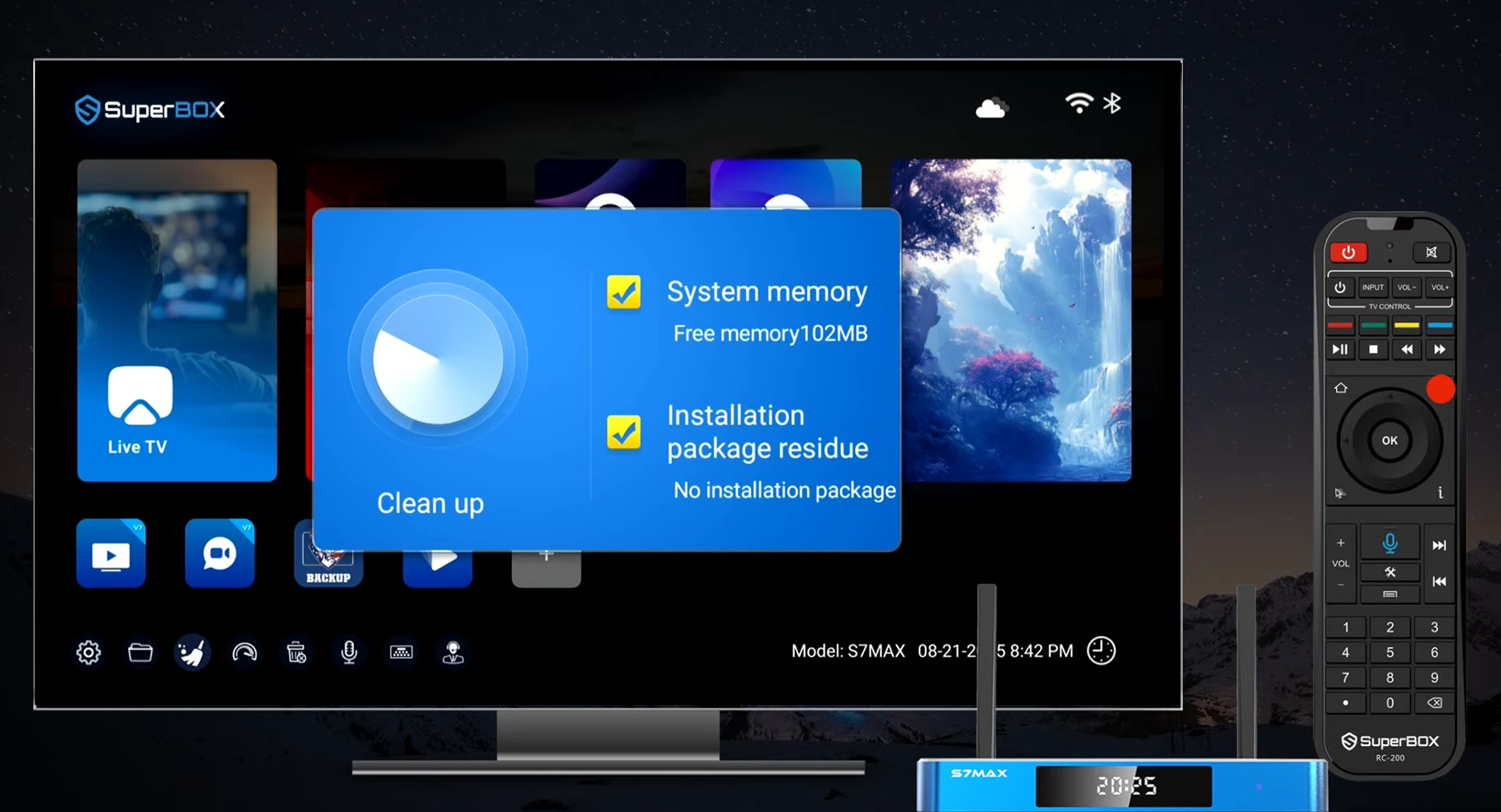
- Memory cleanup complete.
📡 2. Check Your Internet Speed
- Tap the Dashboard Icon to initiate a real-time network diagnostic. This allows you to verify if your ISP is providing sufficient megabits for 6K/Ultra HD content.
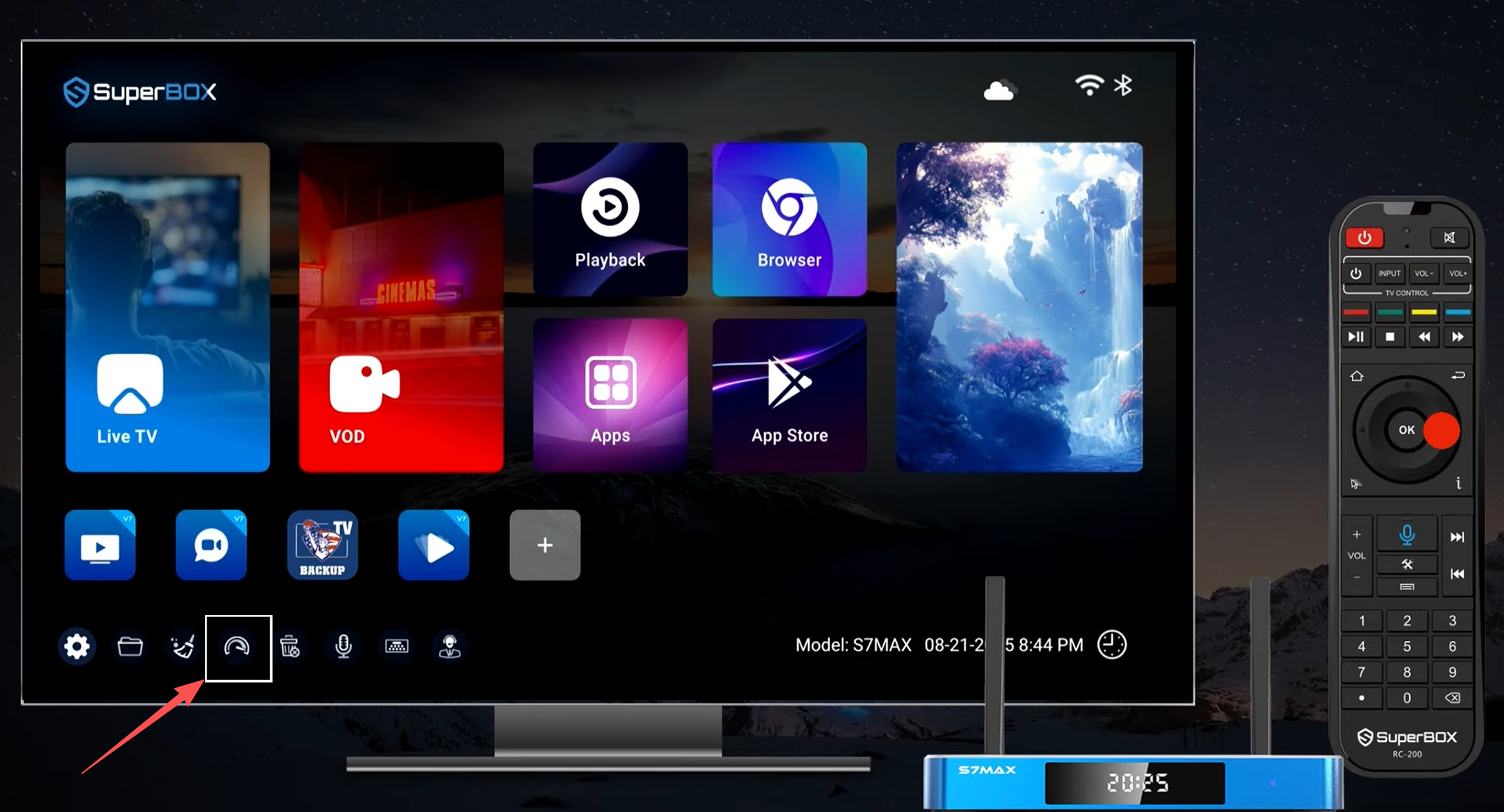
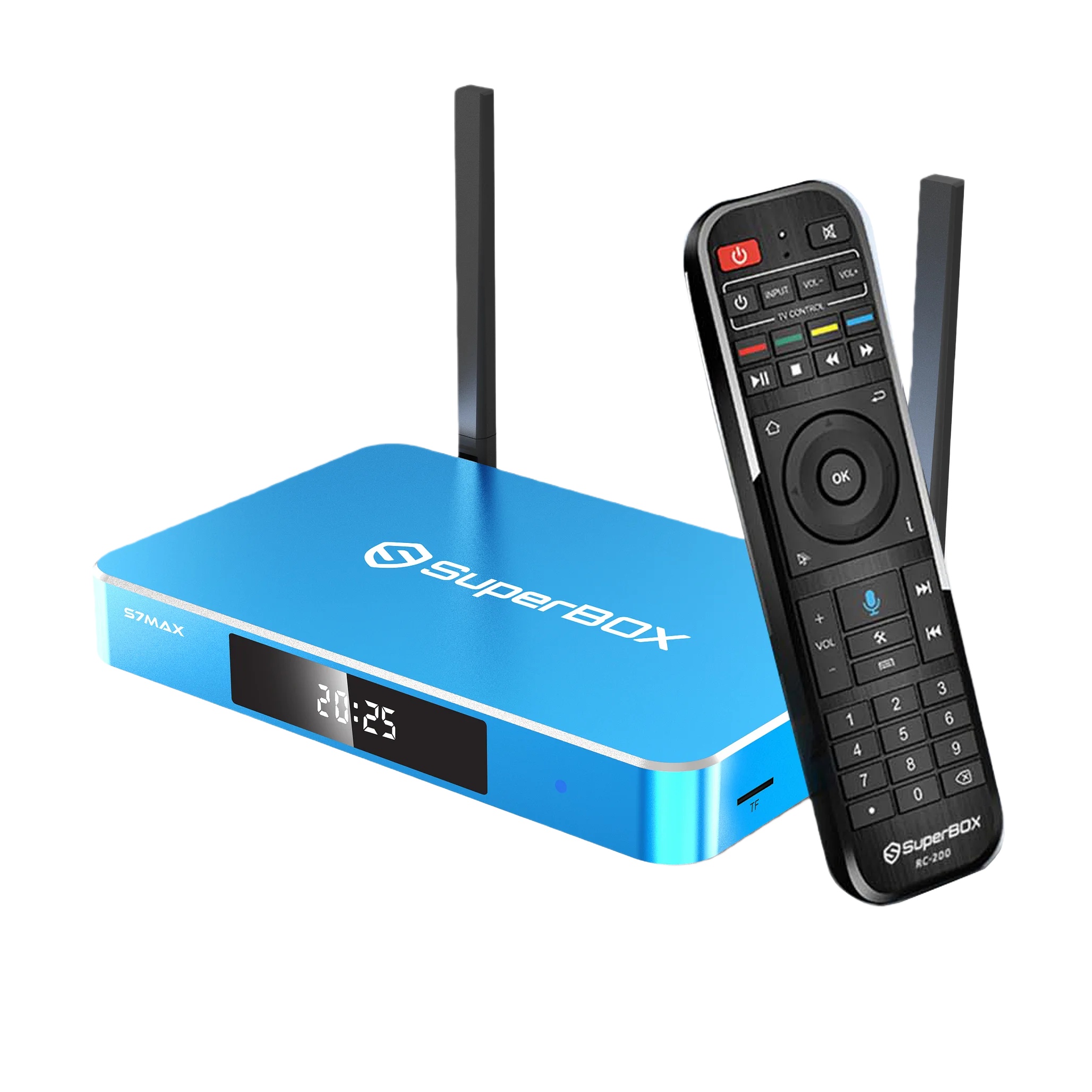
- Hold down the Mouse Pointer button on your remote to switch to “Easy Control Mode.” Hold again to go back. Great for clicking those tiny buttons inside settings menus.👇
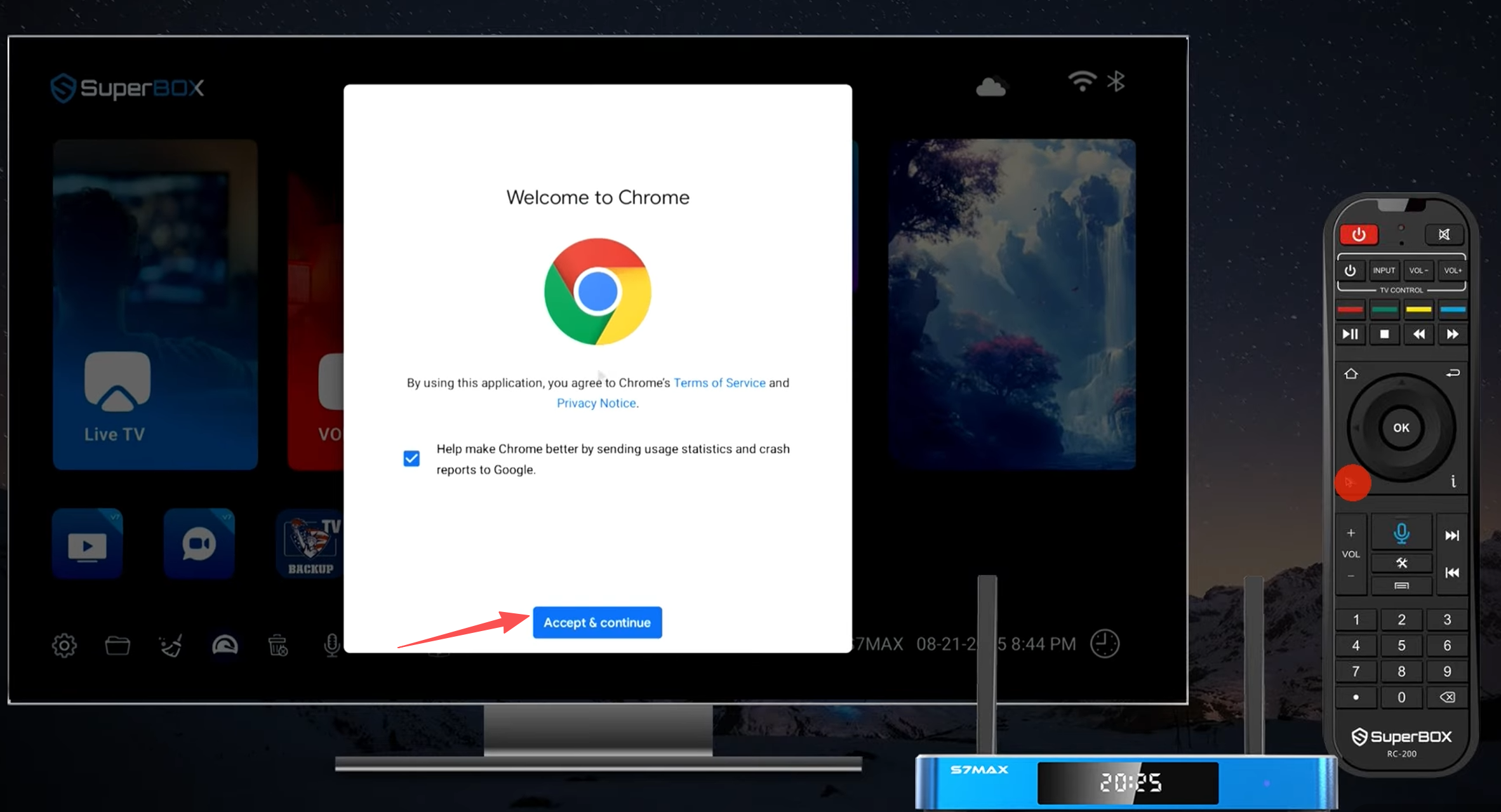
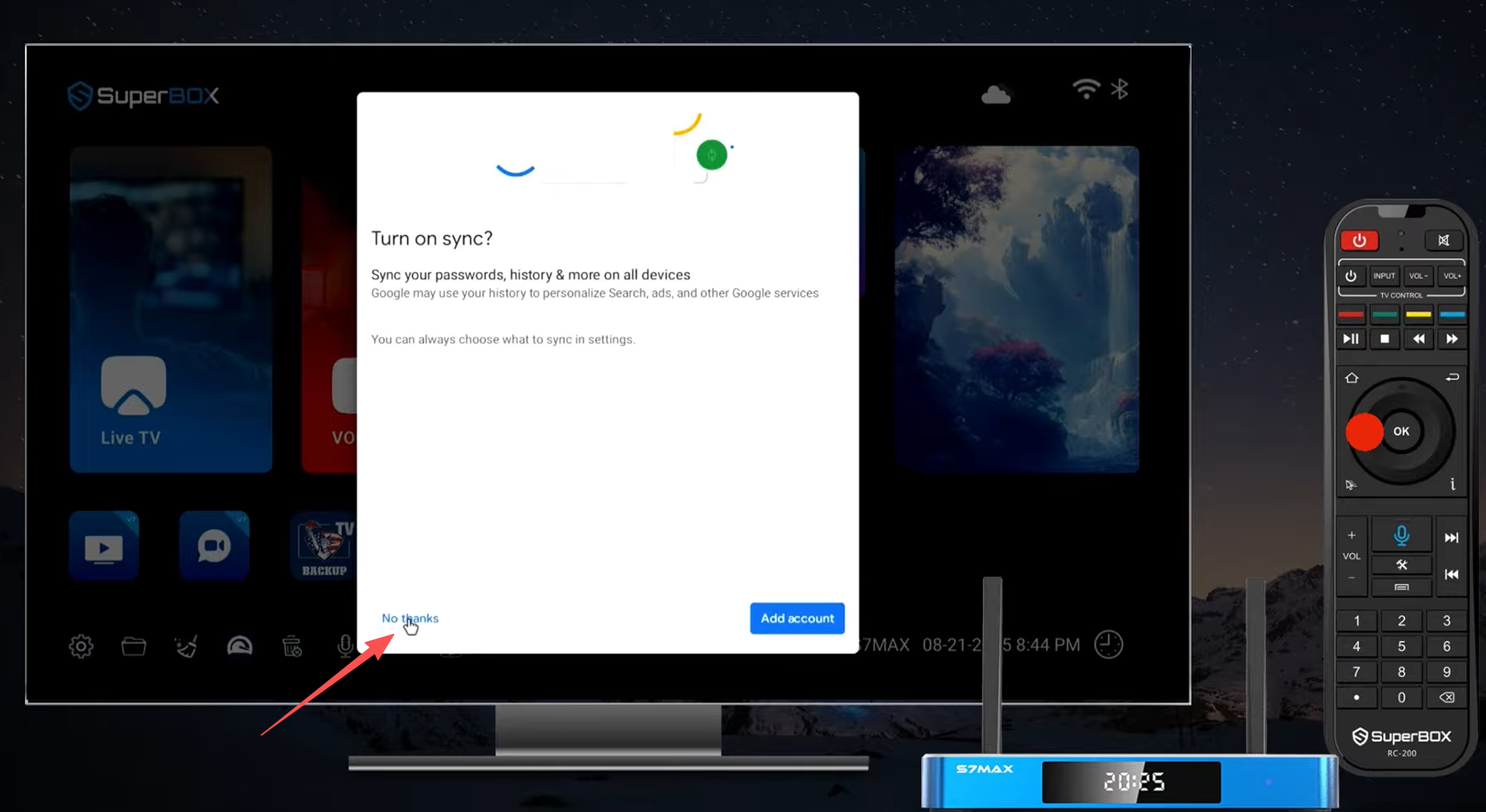
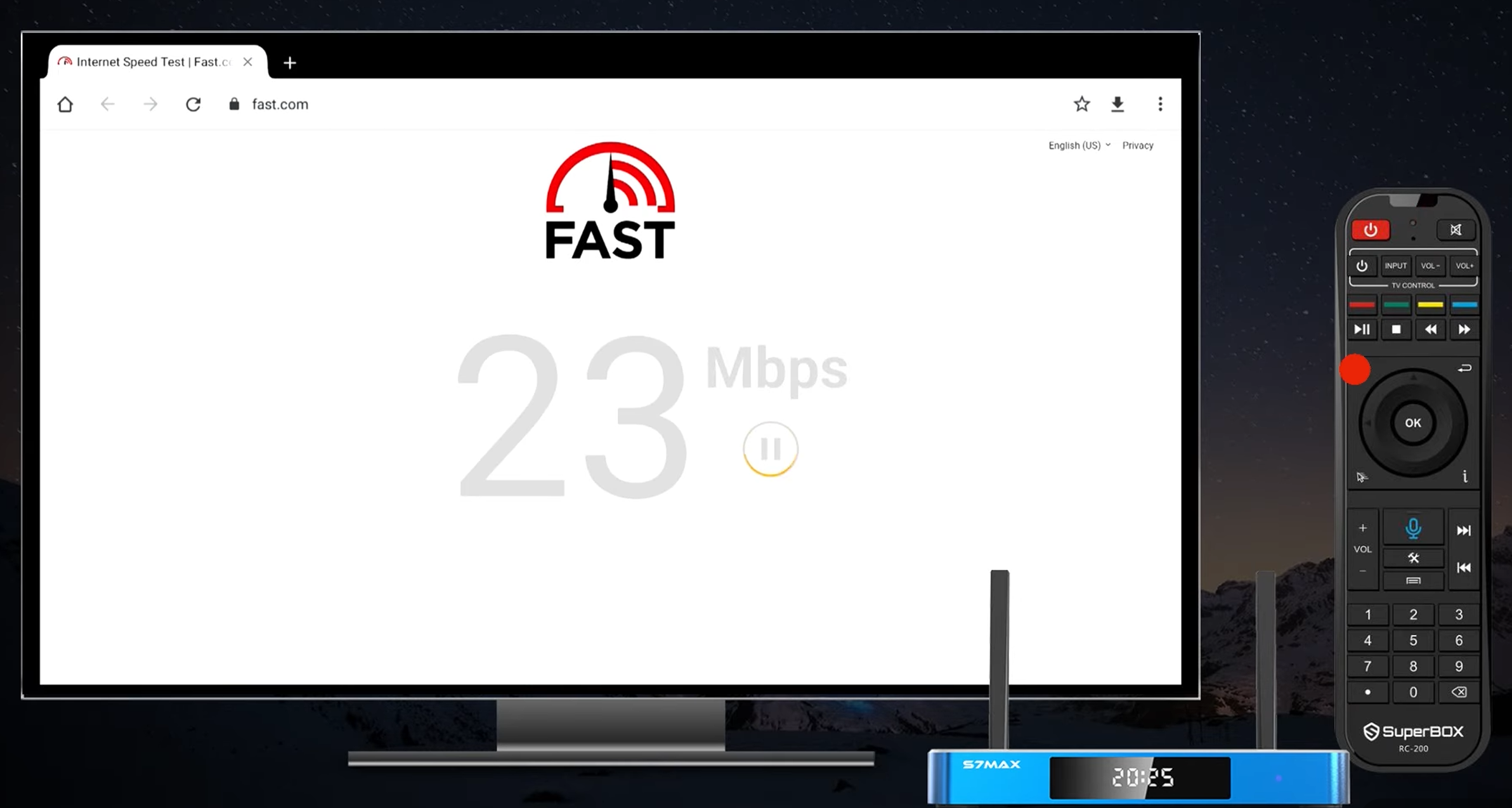
- Your SuperBox runs a real‑time speed test. It shows you exactly how many megabits are coming in.
What’s a good number?
-
For HD: at least 25 Mbps
-
For 6K/Ultra HD: at least 50 Mbps
If your speed is fine but video still lags, go back to the Broom Icon. If speed is low, it’s time to call your ISP.
-
🗑️3. Uninstall Apps You Never Use – Give Your Storage Room to Breathe
Every unused app eats up flash storage. And when your storage is more than 80% full, the whole system slows down.
- Hit the Trash Bin Icon on your dashboard.
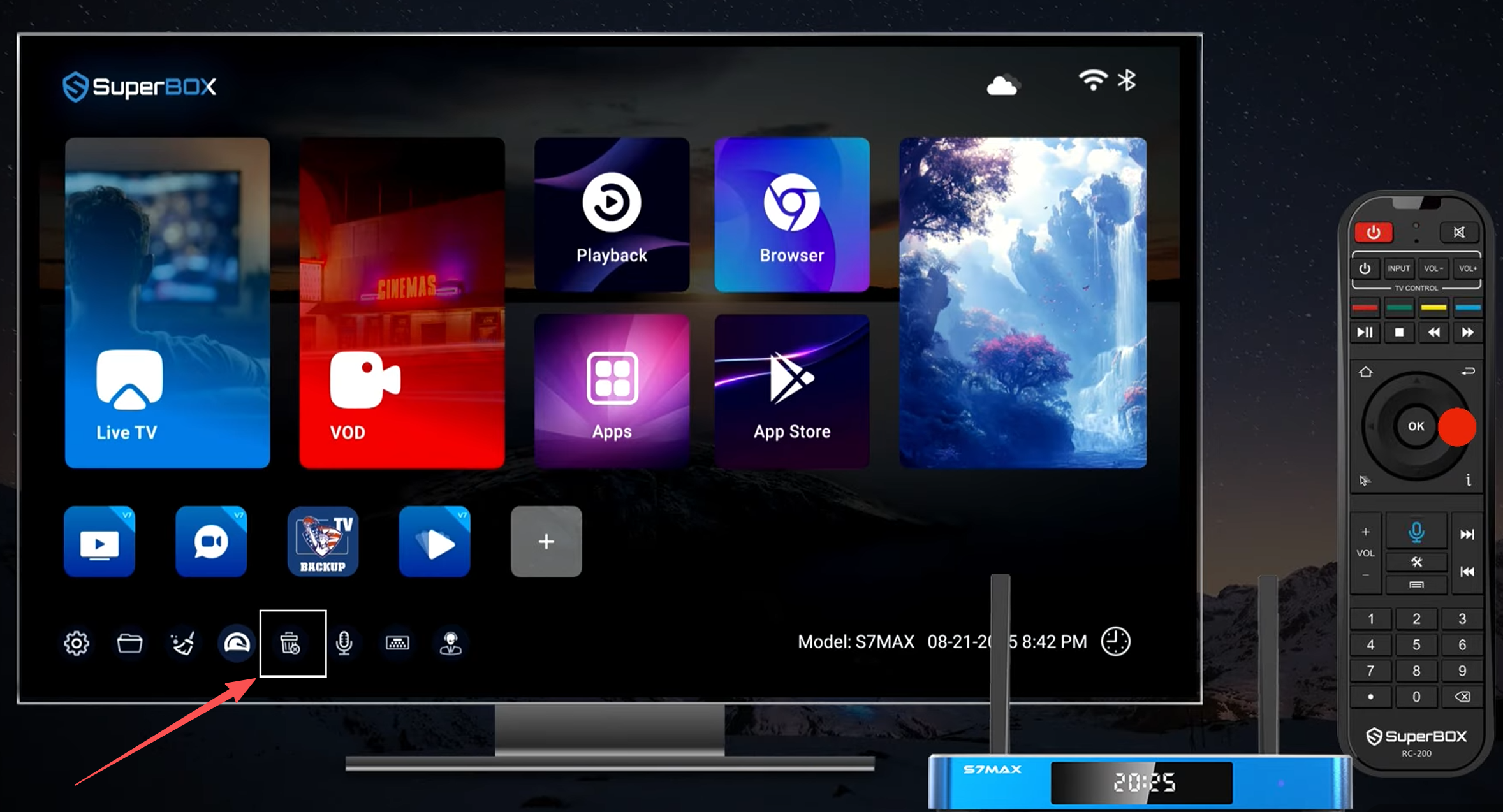
Scroll to the app you want to remove.👇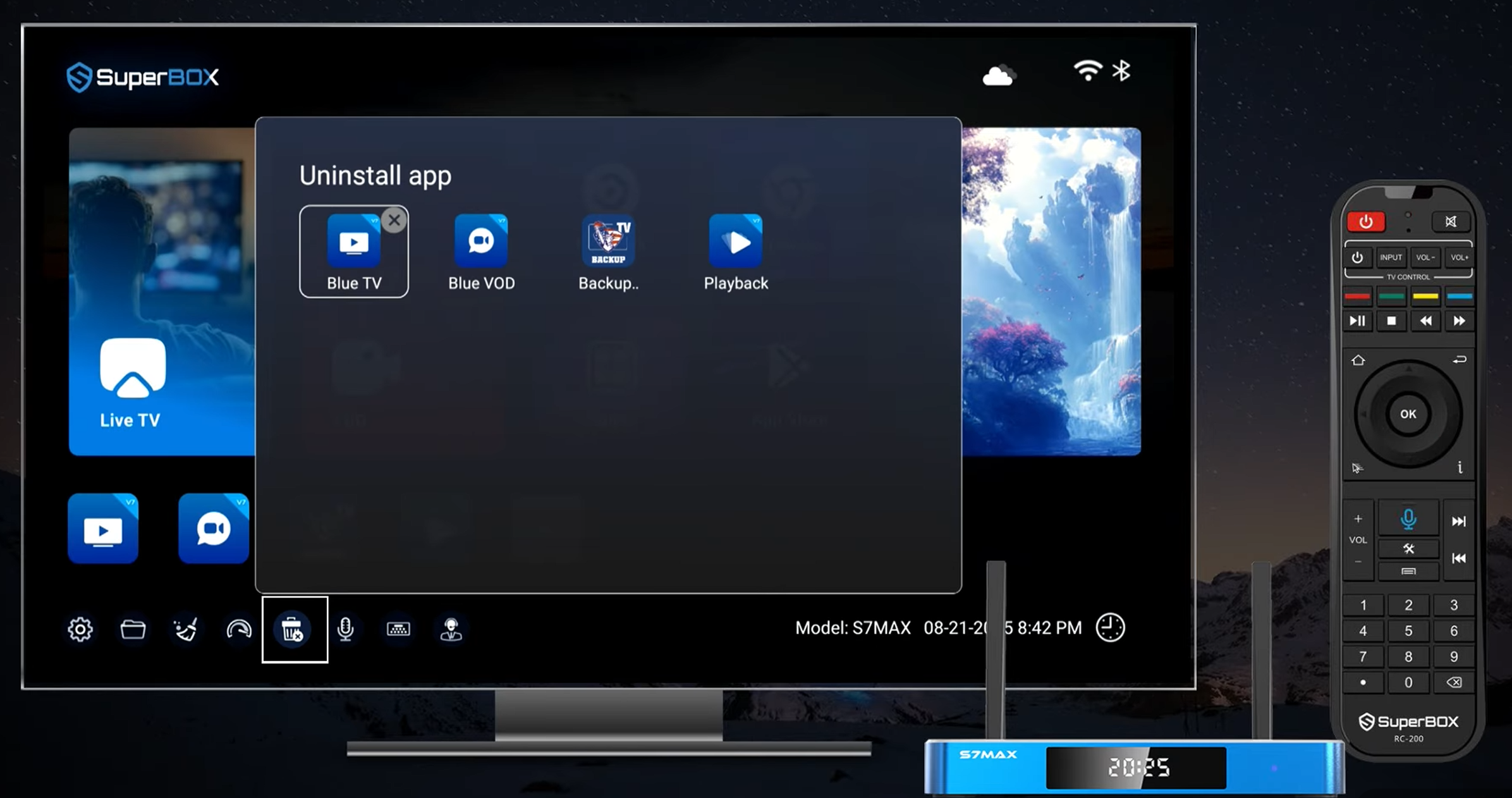
- Press OK to confirm uninstallation.
Keep at least 20% of your storage free. That simple habit keeps your SuperBox’s read/write speeds fast – especially important for jumping between apps like Kodi, Netflix, or live sports.
🆘4. Need Help?24/7 technical support node
If you encounter hardware synchronization issues or require advanced troubleshooting, our support architecture is designed for immediate response:
- Tap the Customer Service Icon to reveal localized support options.
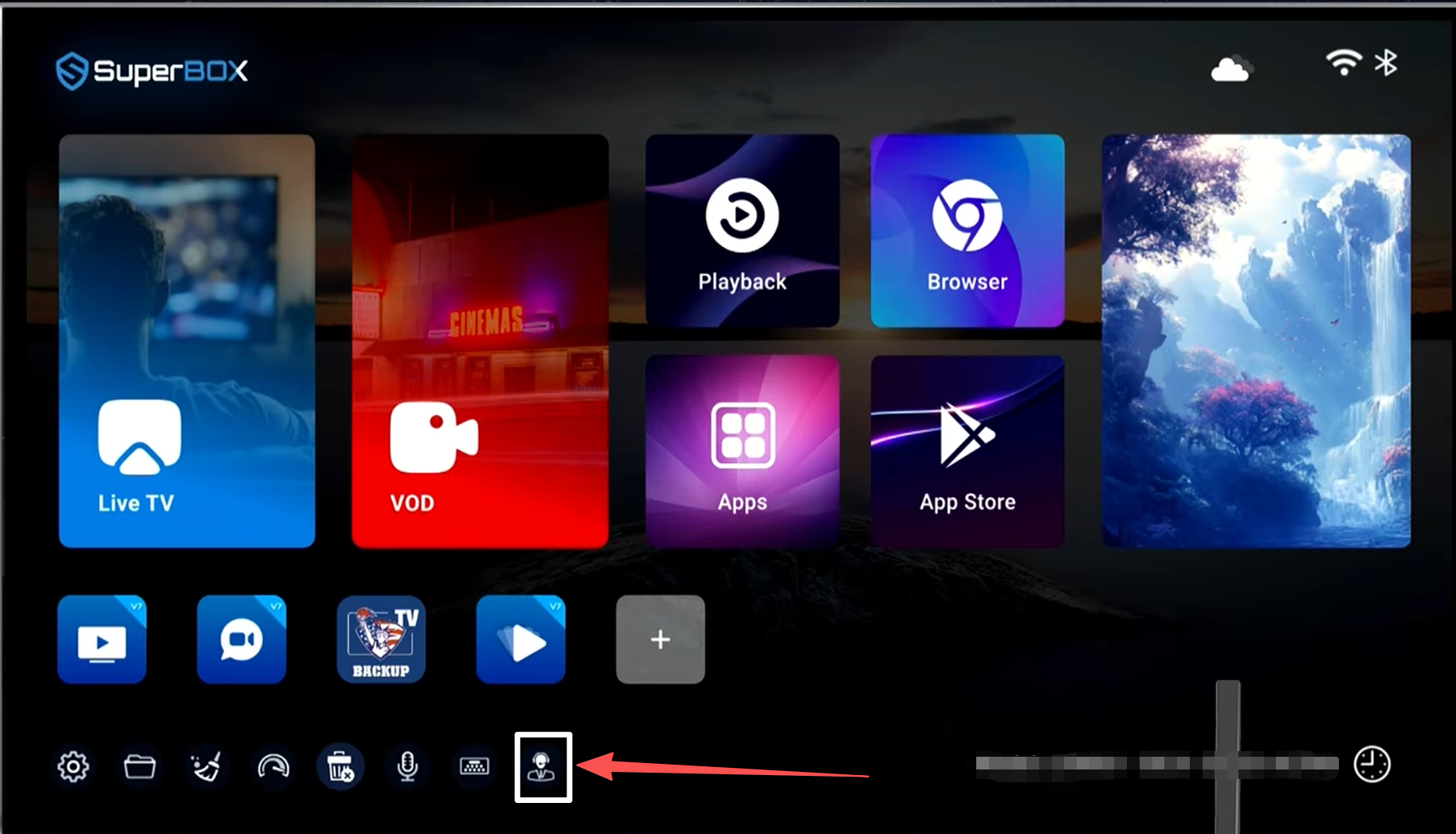
- Scan the on-screen QR Code for direct encrypted chat via WhatsApp or our Live Online Portal.
You can also visit our official website and click the online chat in the bottom right corner to contact us, or send an email to our support team.